Start by role
Find the right starting point
Follow the path for the work you do most often, then move into the full documentation library below.
Members
Talk to your team
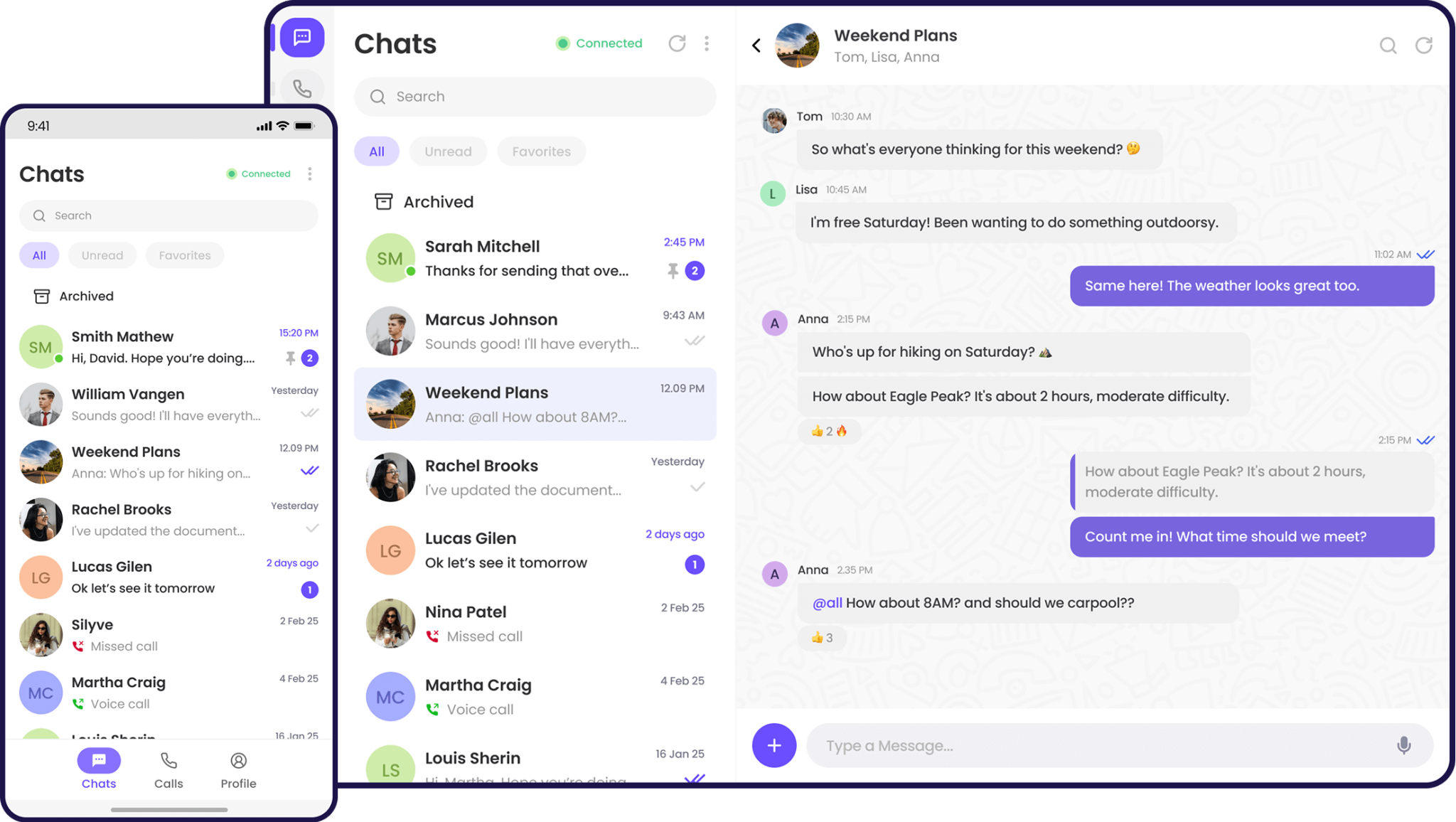
Find your conversations, send messages, share files, and start calls.
Open the basicsAgentsWork with your customers
See who you are assigned to, and how customer visibility rules apply to you.
Open agent guidesAdministratorsRun the workspace
Set the workspace up end to end, manage people, moderate, and read the numbers.
Open admin guidesDocumentation library
Browse the product
Open a guide by topic, or search when you already know the screen you want.
Everyday use
Messaging, files and the things you do every day.
- IntroductionSign in for the first time and find your way around.
- Accounts and workspacesCreate an account, reset a password, switch workspace.
- ConversationsFind, start and organise your chats.
- MessagesWrite, format, reply, react and manage what you send.
- Sharing files and pollsPhotos, documents, GIFs, polls and upload limits.
Teams and workspaces
Group chats, calls, search and how you appear to others.
- GroupsCreate group chats and manage who is in them.
- CallsAudio and video calls, screen sharing, call history.
- Search and shortcutsFind people and messages, and drive the web app by keyboard.
- Notifications and presenceControl what you are notified about and how you appear.
- Your profile and accountYour name and photo, blocked contacts, closing your account.
Administration
Set the workspace up, manage people, moderate and measure.
- Set up your companyThe whole admin lifecycle in order, start to finish.
- AdministrationWhere admin tools live, roles, and inviting people.
- Managing peopleRoles, limits, suspending and removing members.
- Moderation and insightsGroup oversight, reports and workspace analytics.
- Workspace settingsWorkspace-wide privileges, customer mode, quotas, tokens.