Mentioned messages
When somebody writes @ and your name in a message, that message is collected in one place. The
Mentioned Messages screen is every mention of you across every conversation, newest first, so you
can catch up on the things addressed to you without opening each chat.
Open it
| Platform | How to get there |
|---|---|
| Web | Select the ⋮ menu at the top of the conversation list, then Mentioned messages |
| iOS and Android | Tap the ⋮ button at the top of the Conversations screen, then Mentioned messages in the Actions sheet |
On the web, Ctrl / ⌘ + Shift + M opens and closes the list without touching the menu, and
Esc closes it. See Keyboard shortcuts.
On the web the list slides in over the conversation list, so the conversation you were reading stays open beside it. On iOS and Android it opens as its own screen.
What each row shows
Every row is one message that mentioned you:
| Element | Meaning |
|---|---|
| Avatar | The photo of the person who mentioned you |
| Name at the top | The conversation the mention was in |
| Time | When the message was sent |
Name + mentioned you | Who mentioned you |
| Preview | The first two lines of the message itself |
The list loads more as you scroll, so an old mention is a matter of scrolling far enough rather than of searching for it.
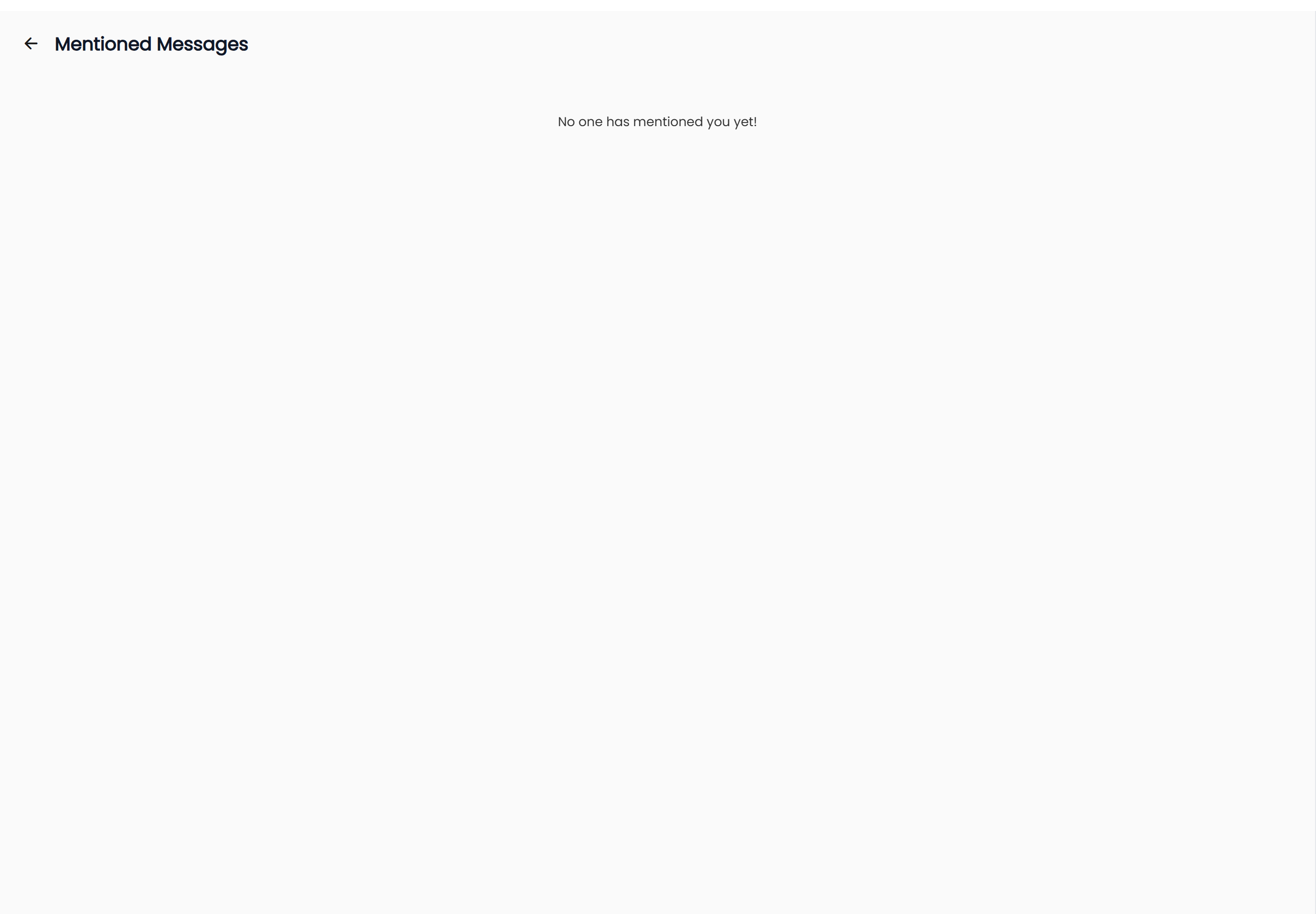
If nobody has mentioned you, the screen says so plainly: "No one has mentioned you yet!"
Jump to the message
Select a row to go to the message in its conversation.
- Select the mention you want to read.
- The conversation opens scrolled to that message — not to the bottom of the chat, so the surrounding messages are the ones that were around it.
- The message is briefly highlighted so you can see which one it was, then the highlight fades on its own.
On the web the conversation opens in the pane next to the list, so you can work down several mentions one after another. On iOS and Android the conversation opens full screen; use the back arrow to return to the list.
Close the list
Select the back arrow beside the Mentioned Messages heading. On the web that returns you to the conversation list; on iOS and Android it returns to the previous screen.
What counts as a mention
Only an explicit @ mention of you puts a message in this list. Someone typing your name as ordinary
text does not, and neither does a message in a group you happen to be in. For how to write a mention,
see Replies and mentions.
The list is your mentions and nobody else's. There is no way to see who mentioned somebody else, and marking a mention as read is not something you do here — reading the conversation does that.
Mentions also change how you are notified. A mention plays a different sound from an ordinary message, and a group conversation can be set to notify you only when you are mentioned — see Notifications and sounds.